
Topic
Desktop Mode
24 posts
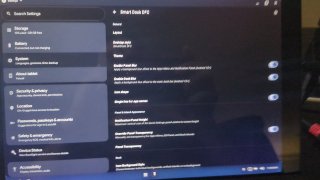
A preview of some of the new features being added for the next Bass OS builds
Desktop Styles for SmartDock DFC
 +2
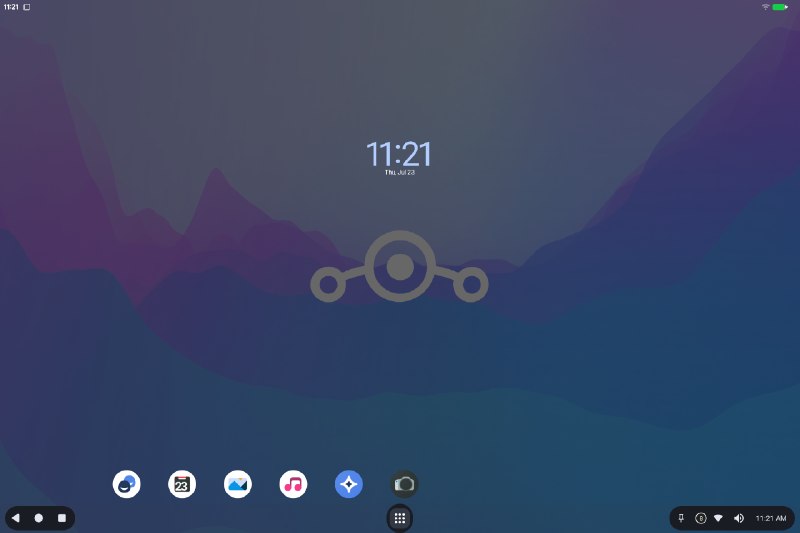
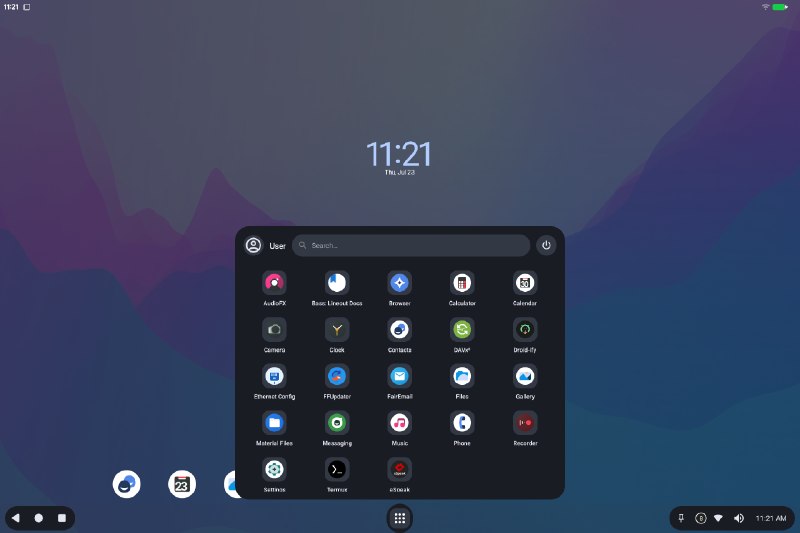
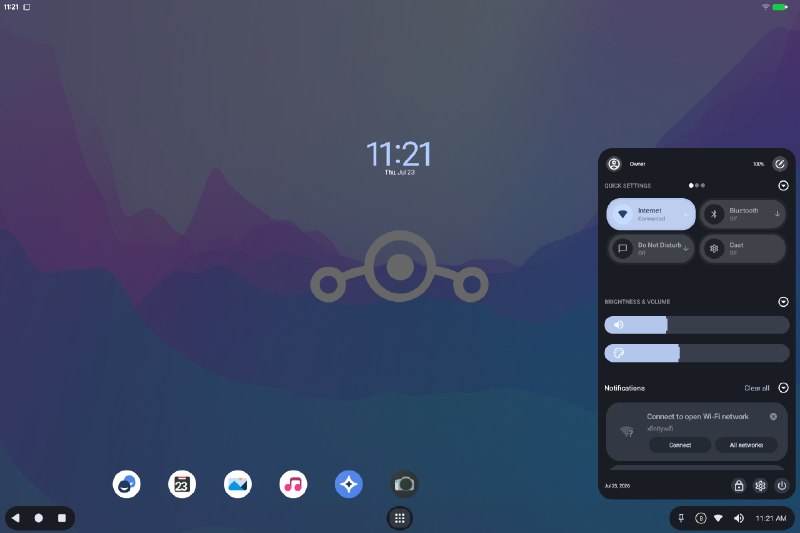
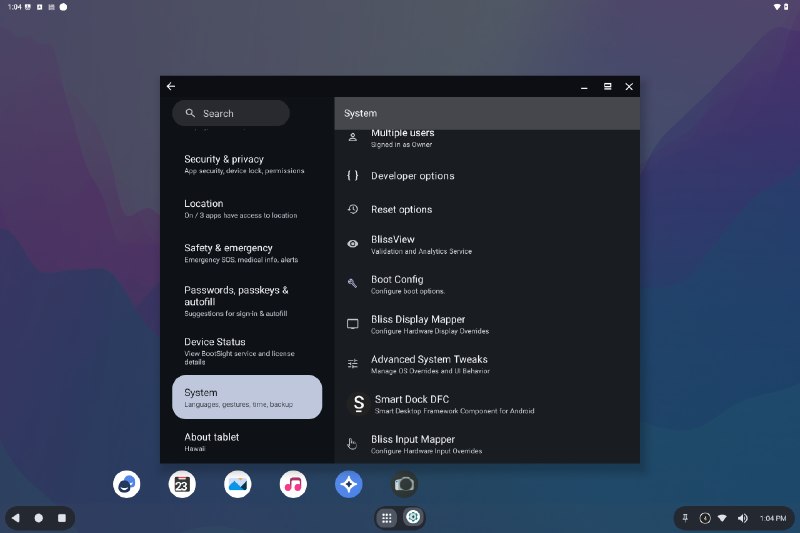
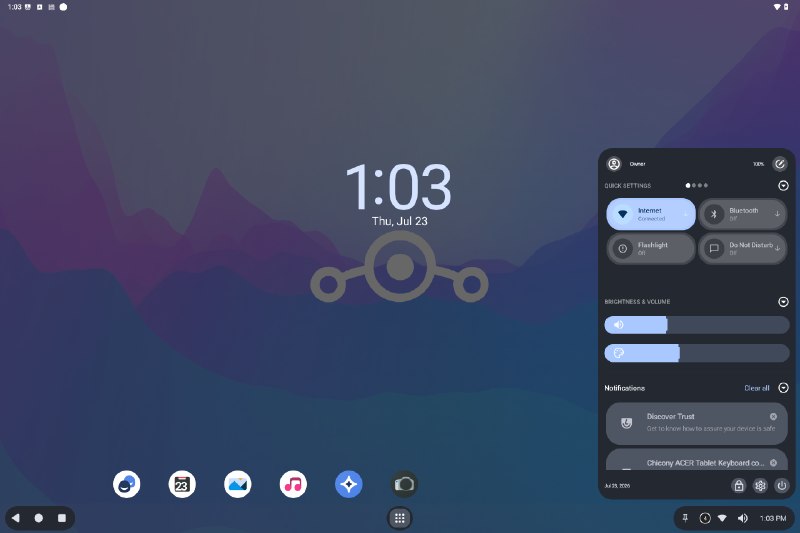
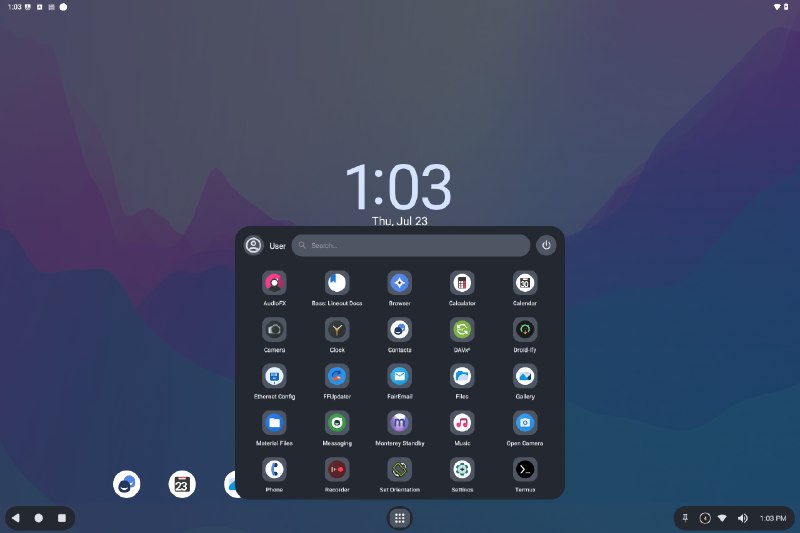
+2Bass: Lineout (A16) Desktop Preview release
We are opening the gates for our next iteration of Bass OS builds (Lineout/Submix), and the initial releases are being uploaded one by one to our website. Check out the downloads section…
❤ 4👍 3👎 2
3
 +1
+1Bass: Lineout (A14) Desktop release
We are opening the gates for our next iteration of Bass OS builds (Lineout/Submix), and the initial releases are being uploaded one by one to our website. Check out the downloads section…
❤ 2
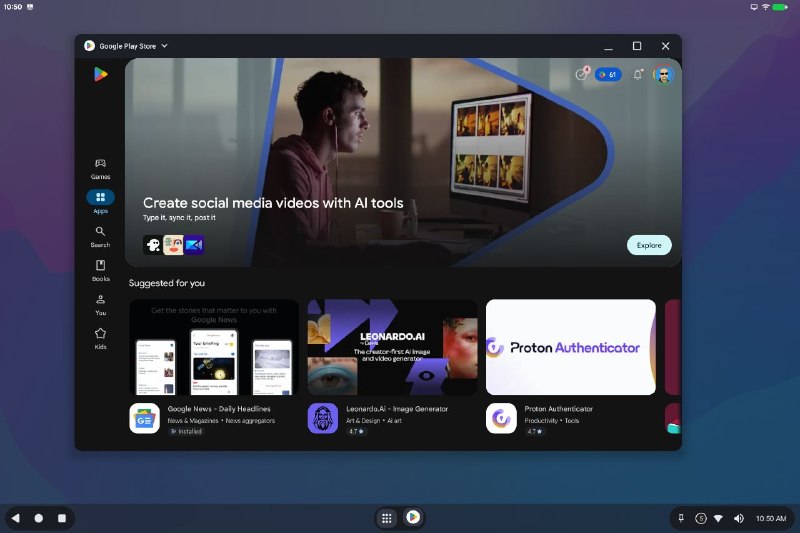
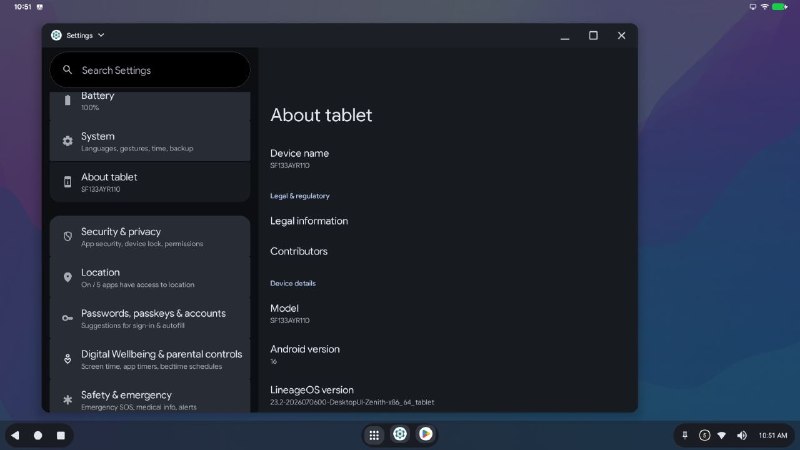
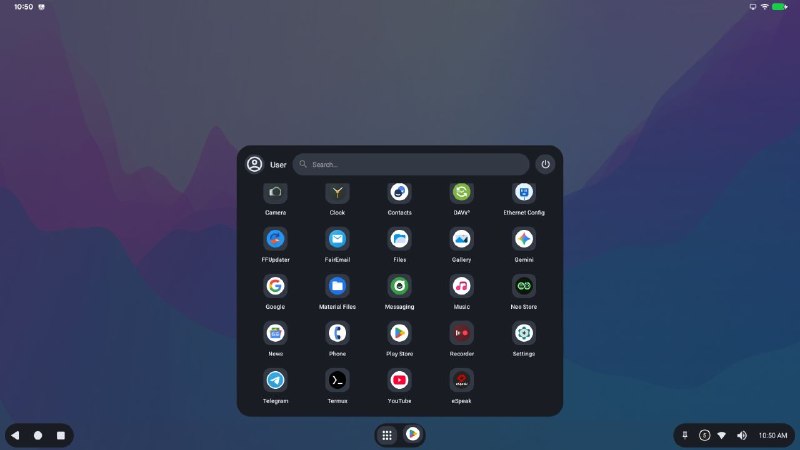
Android 16 (r4) - Bass: Lineout
Based off of Lineage-23.2, and features: - SmartDock-DFC (Desktop/Navigation frameworks component) - Bliss Button Mapper - Bliss Display Mapper - Bliss Input Mapper (touch/pointer devices) - BlissView (Frameworks Validation…
❤ 8👎 1
1
Sharing progress on a project isn't always about showing things working 100%.
Sharing progress on a project isn't always about showing things working 100%. Sometimes, it helps to show how things are still very broken so others can understand the work involved. This is one of those cases. Android thinks I…
❤ 1
4
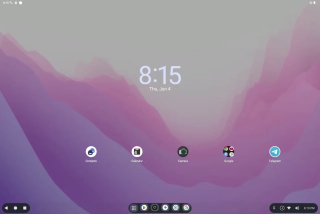
Some of the design that is going into the Lineage 21 based OS for the Desktop version
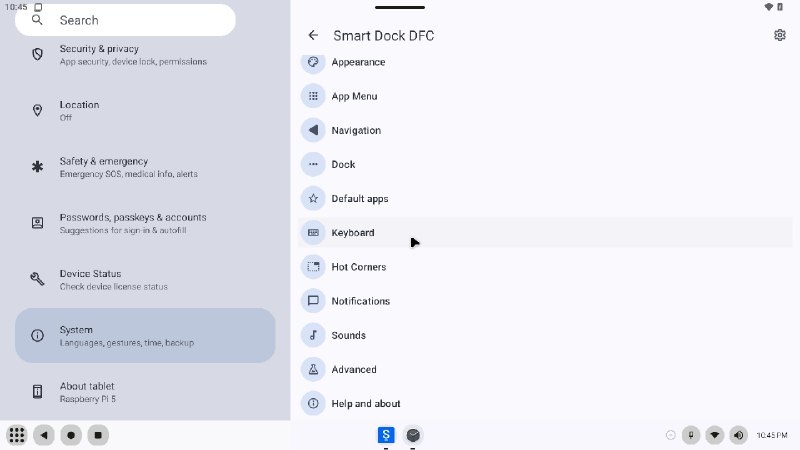
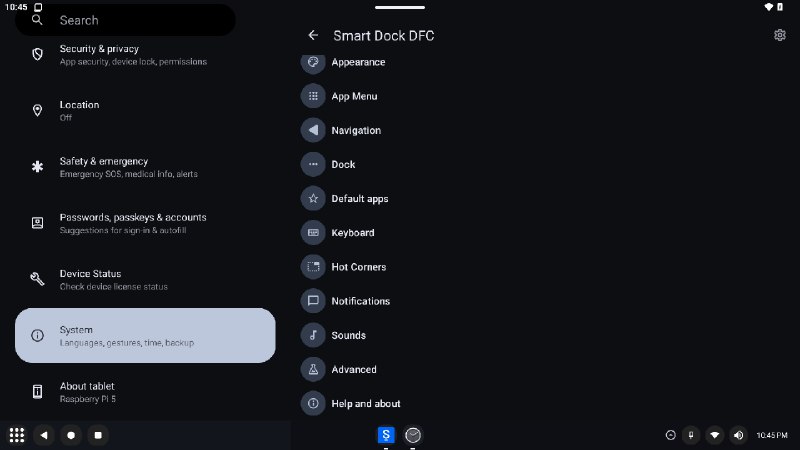
A couple previews for some of the theme work going into Smart Dock (Desktop Framework Component)
👀 1
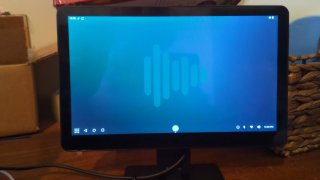
Another quick demo for some of the changes going into the Smart Dock desktop framework experiments.
This demo shows off the audio routing interface that is working with the new Bass Audio DSP/API
❤ 4👍 1
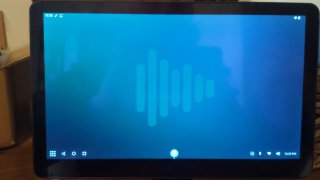
More demos for the experiments we are doing with Smart Dock as a desktop framework solution for Android.
This demo shows off the new nav handle behavior and customization
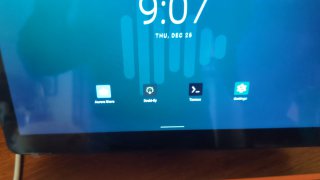
Bass OS 16: SmartDock Desktop mode experiments
Adding a new functional handle mode to Smart Dock that allows it to also act as a navigation gesture bar. It handles home, overview, and back gestures. Will be adding visual feedback for ux as well as fixing a couple crashes here…
👏 1
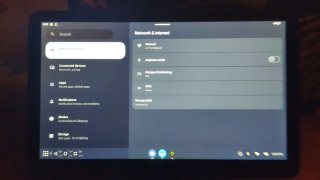
Bass OS 16: SmartDock Desktop mode experiments
This demo highlights the updates to the Keyboard Shortcuts within SmartDock, and it now lets you assign your own keyboard shortcuts for a variety of activities