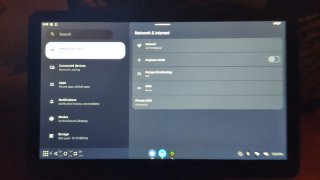
Bass OS 16: SmartDock Desktop mode experiments
This demo highlights the updates to the Keyboard Shortcuts within SmartDock, and it now lets you assign your own keyboard shortcuts for a variety of activities
Type
63 posts
This demo highlights the updates to the Keyboard Shortcuts within SmartDock, and it now lets you assign your own keyboard shortcuts for a variety of activities
Quick demo on some of the experiments we are doing with Smart Dock as a full desktop mode solution for Bass OS Desktop frameworks
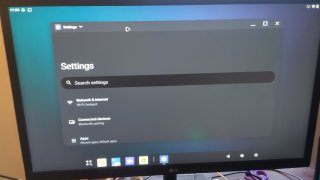
Launching and moving apps across multiple displays
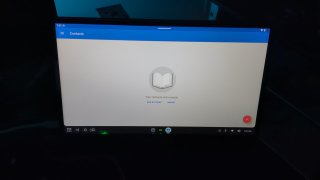
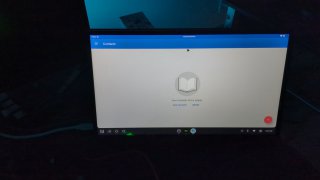
Bass OS RPI (Android 16) demo - Remembering desktop states and running apps across reboots
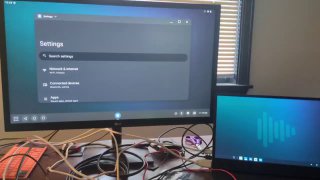
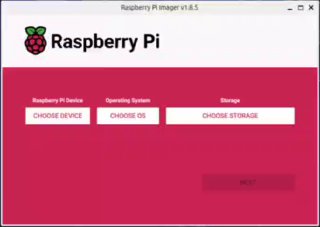
https://youtube.com/shorts/xsw3oNnoCT4?si=2dthPbv3TFvh2-lo Here is a short demo of some of the desktop features we are using in Android 16 for the Raspberry Pi 5 (and 4)
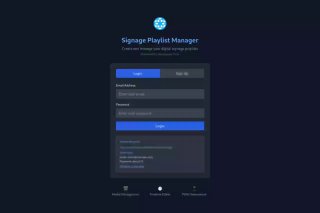
Testing out an experiment for signage. This will be Web hosted or self-hosted solution for people that want to do signage over the Internet or over the local network.
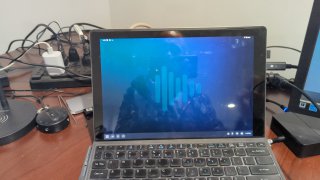
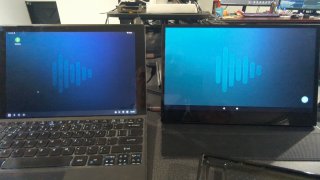
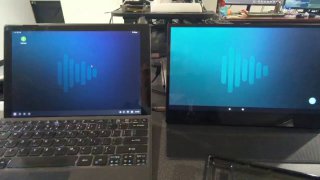
 +6
Bass OS 12.1 - Desktop Android multi window solution: (silent) Launching an app, moving it to secondary display from that display, and launching another app on Primary display Bass OS 12.1 - Desktop Android multi window solution…
Bass OS 12.1 - Desktop Android multi window solution, showcasing mouse movement across multiple displays and interactions
Raspberry Pi 4 - U-Boot based boot menu using askenv command from Glodroid 's bootscript.cpp script for Android A/B boot config First Demo: Booting into Admin mode Second demo: Booting into Lockdown mode (after whitelisting a…